BetterEveryday PRO
SC
Hi, Sarah Administrator

Your business, ready to run

Set up once. Reuse your client details, service templates and pricing.

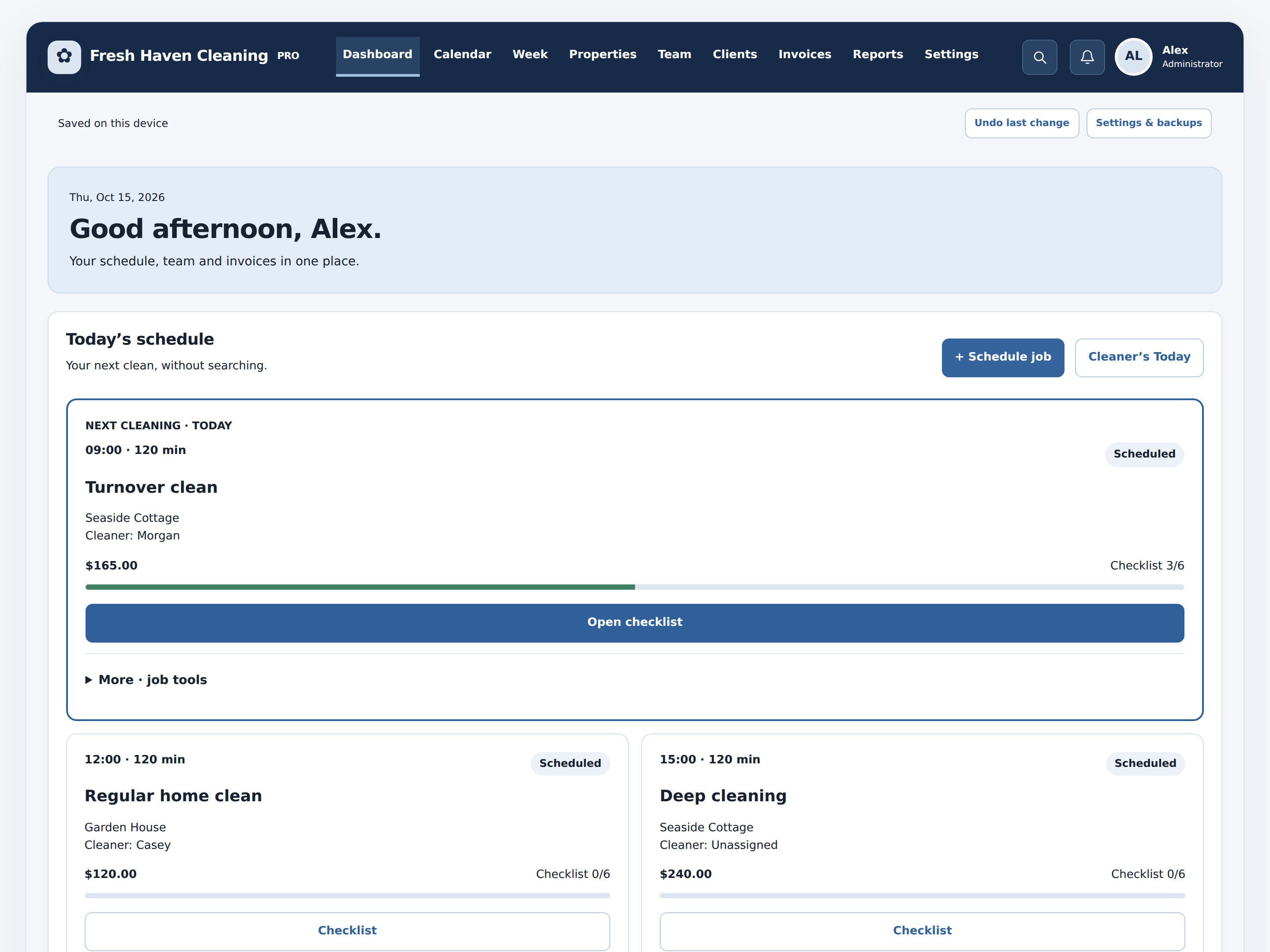
Today’s schedule

Your next clean, without searching.

MY PROPERTIES
Tue, Mar 17, 2026

Good morning, Sarah.

4 turnovers this week. Everything is on track!

Clean stays,
Happier guests!
▣
4
Turnovers this month
↗ Ready for the next guests
◉
12
Bookings this month
↗ You're on a roll
▥
98%
Jobs completed
↗ Great job, team!

Today at a glance

Updated automatically from your jobs and invoices.

March 2026

SunMonTueWedThuFriSat
Scheduled cleaningCompleted cleaningNeeds attention

Cleaning Team

▧2Unassigned jobsWaiting for allocation
◉5Pending approvalsNeed your review
▣$4,280Invoices this monthCollected and sent
▥$12,650Projected revenueFor this month

Cleaning Schedule

Review, create and assign upcoming appointments.

Upcoming Jobs

Schedule start times and durations, with overlap checks for assigned cleaners. Weekly and biweekly visits can be created together.

Properties

Manage addresses and service locations.

Cleaning Team

Manage cleaners and assignments.

Clients

Contact records for your cleaning business.

Invoices

Create invoices and track payment status.

Reports & Data

Business overview, backups and printable records.

▣
0
Total jobs
♧
0
Total clients
▥
$0
Invoice value

Business defaults · set once

New jobs automatically use these rates and settings. You can override them per job.

Automated Operations & Profitability

Calculated from job estimates and saved labor rates. Profit is an estimate before overhead and adjustments.

$0
Scheduled job value
$0
Estimated labor + expenses
$0
Estimated job contribution

Action alerts

Customer Follow-ups & CSV Import

Follow-up drafts use saved customer contact details and job history. Email opens in your own email app; messages are never sent automatically. Import CSV columns: name,email,phone,preferredService.

Workspace information

This standalone version stores records in your browser on this device. Export regular backups to avoid losing data if the browser storage is cleared. It does not send invoices or collect payments; use it to track them.

Add record

Cleaning checklist

Preloaded tasks can be checked off as work is completed.

Welcome to Cleaning Pro

Make this workspace yours. You can add clients whenever you’re ready.

A smooth start

  1. Add a property and a saved client profile.
  2. Add cleaners when you have a team.
  3. Set your rates in Reports.
  4. Schedule a job using a service template. Select a client to reuse their details.
  5. Complete its checklist, mark the job complete, then approve its invoice draft.

Invoices are drafts until you share them. Printing lets you save a PDF; payments are recorded manually. Records stay in this browser. Export a backup in Reports before switching devices.

Your workspace

Job photos

Photos stay in this browser and are included in backups. Up to four photos per job.

Invoice completed jobs

Select jobs for one customer. Already invoiced jobs are excluded.

Ready · saved on this device

Estimate ready

Job profitability

Customer message draft

Review before sharing. Opening an email or text draft does not send it.